
Network — Sent CILs Log
Overview
The Sent CILs Log tracks every CIL (Client Information Letter) you've sent to a developer from within a lead. It gives you a complete record of which leads were shared with which developers, by whom, and when.
How to Send a CIL to a Developer
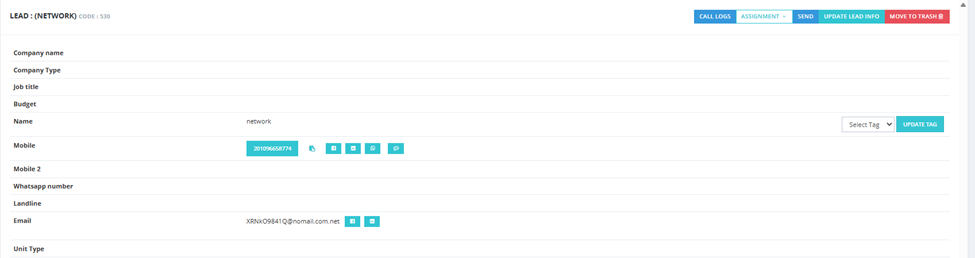
- Open the lead you want to send to a developer.
- Click the Send button on the lead.
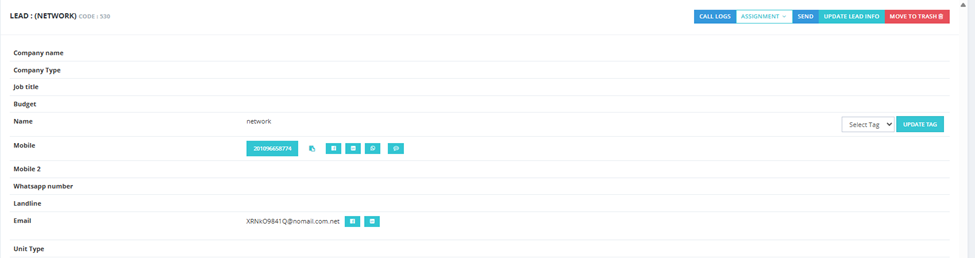
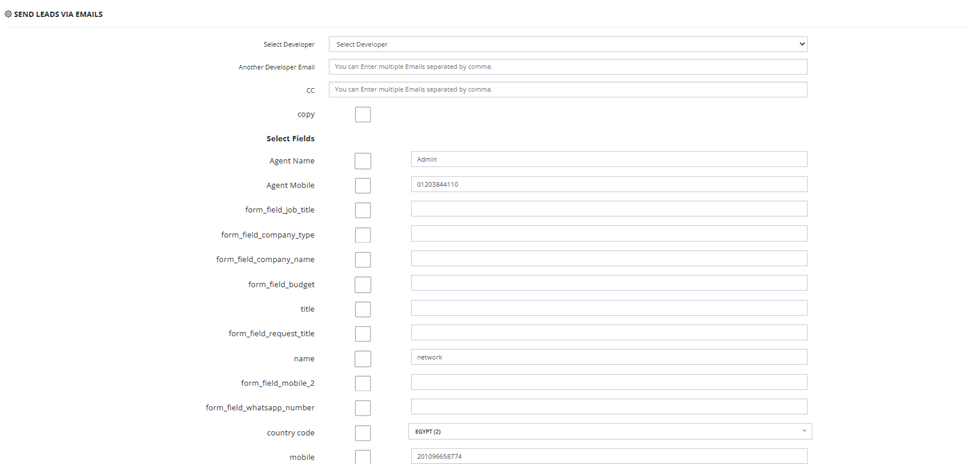
- The Send Leads Via Emails screen opens.
- Fill in the following:
| Field | Description |
|---|---|
| Select Developer | Choose the developer company to send this lead to. |
| Another Developer Email | Add extra developer emails if needed — separated by commas. |
| CC | Add CC recipients — separated by commas. |
| Copy | Check to send a copy to yourself. |
| Select Fields | Choose which lead data fields to include in the email (e.g., Agent Name, Agent Mobile, lead name, mobile, email, Lead ID, etc.). Each field has a checkbox — check it to include it. |
- Click Send to submit.
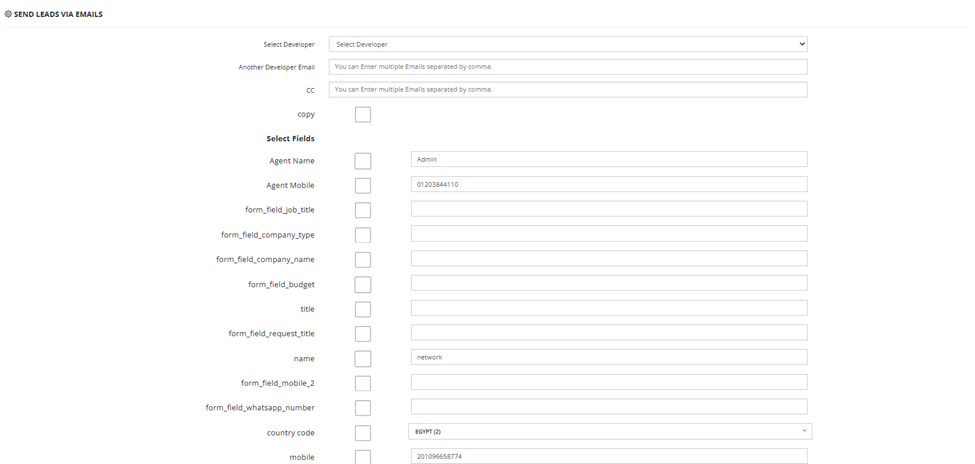
Once sent, the CIL appears in the Sent CILs Log tab.
The Sent CILs Log List
| Column | Description |
|---|---|
| Date/Time | When the CIL was sent. |
| Developer Name / Recipients Emails | The developer and the email addresses it was sent to. |
| Lead Name | The name of the lead that was sent. |
| Country Code | The lead's country code. |
| Lead Mobile | The lead's mobile number. |
| Lead Email | The lead's email address. |
| Lead ID | The marketing Lead ID attached to the lead. |
| User (Sender) | The CRM user who sent the CIL. |
| Reminder | Button to set a follow-up reminder for this CIL. |

Setting a Reminder
Click Set Reminder on any CIL entry to schedule a follow-up. A popup appears where you set:
- Date — the reminder date.
- Time — the reminder time.
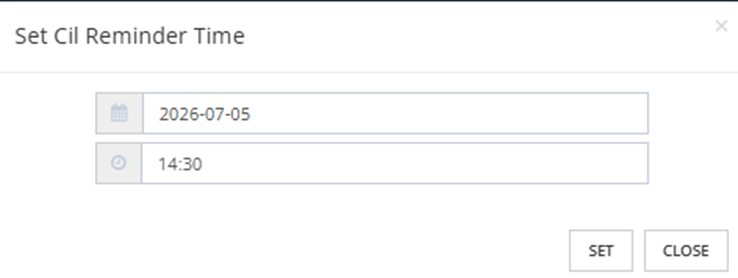
Click Set to save the reminder.
Available Filters
| Filter | Description |
|---|---|
| Developer Name | Filter by developer company. |
| Recipient Email | Filter by the email the CIL was sent to. |
| Date | Filter by sent date (From / To). |
| User | Filter by the CRM user who sent the CIL. |
| Leads ID | Filter by marketing Lead ID. |
| Projects | Filter by project. |
| Broker Projects | Filter by broker project. |