
Campaigns
Overview
Campaigns represent specific marketing efforts linked to a source. For example, a Facebook campaign running for a specific project during a specific period.
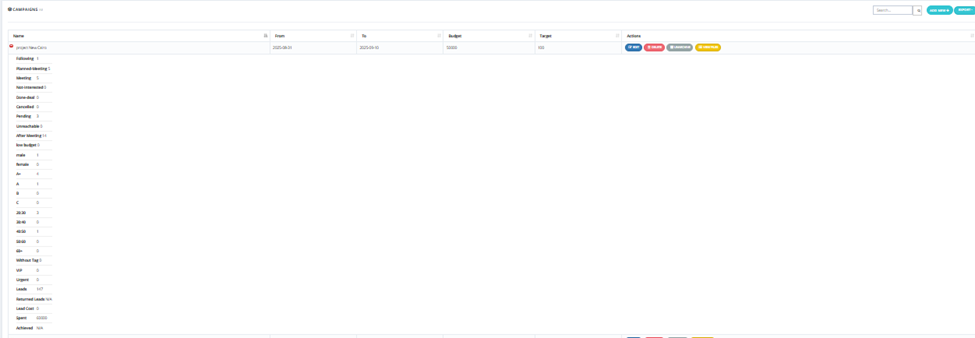
Campaigns List
The campaigns page displays:
| Column | Description |
|---|---|
| Name | Campaign name. |
| From | Campaign start date. |
| To | Campaign end date. |
| Budget | The allocated budget for this campaign. |
| Target | The lead target number. |
| Actions | Edit, Online, Landingpage, or View Leads buttons. |
Clicking into a campaign shows a detailed breakdown including leads per state, gender, segment, age group, tags, lead cost, spent, and achieved.
How to Add a New Campaign
Click Add New and fill in:
| Field | Required | Description |
|---|---|---|
| Name | ✅ | Campaign name. |
| Content | Optional | Description of the campaign. |
| Purpose | Optional | Goal of the campaign. |
| From | ✅ | Start date. |
| To | ✅ | End date. |
| Budget | ✅ | Allocated budget. |
| Target | ✅ | Target number of leads. |
| Campaign Type | Optional | Type of campaign. |
| Campaign Purpose | Optional | Purpose category. |
| Campaign Area | Optional | Geographic area targeted. |
| Target Size | Optional | Size of the target audience. |
| Target Audience | Optional | Description of the target audience. |
| District | Optional | Specific district targeted. |
| Files / Gallery | Optional | Upload supporting files or images. |